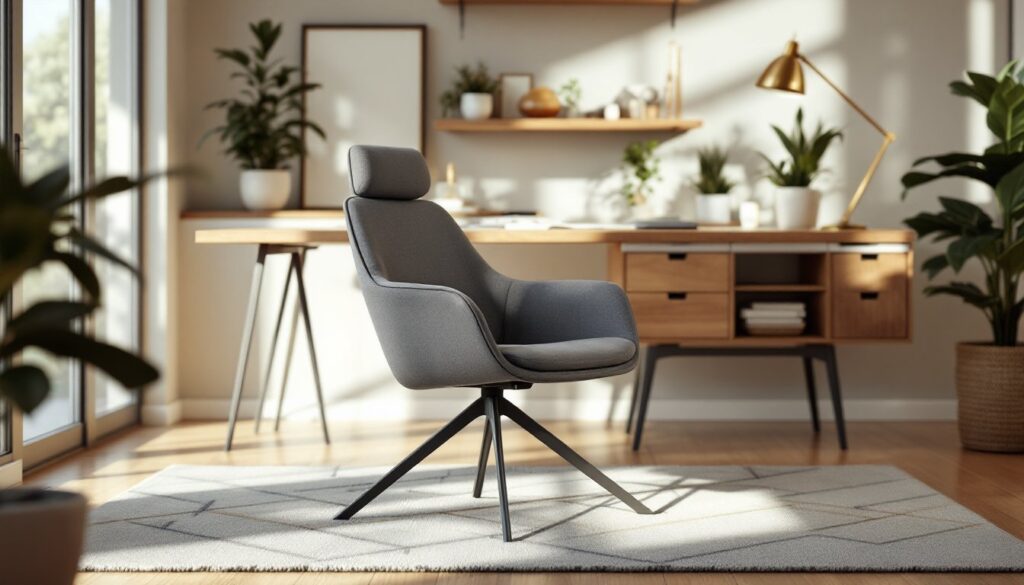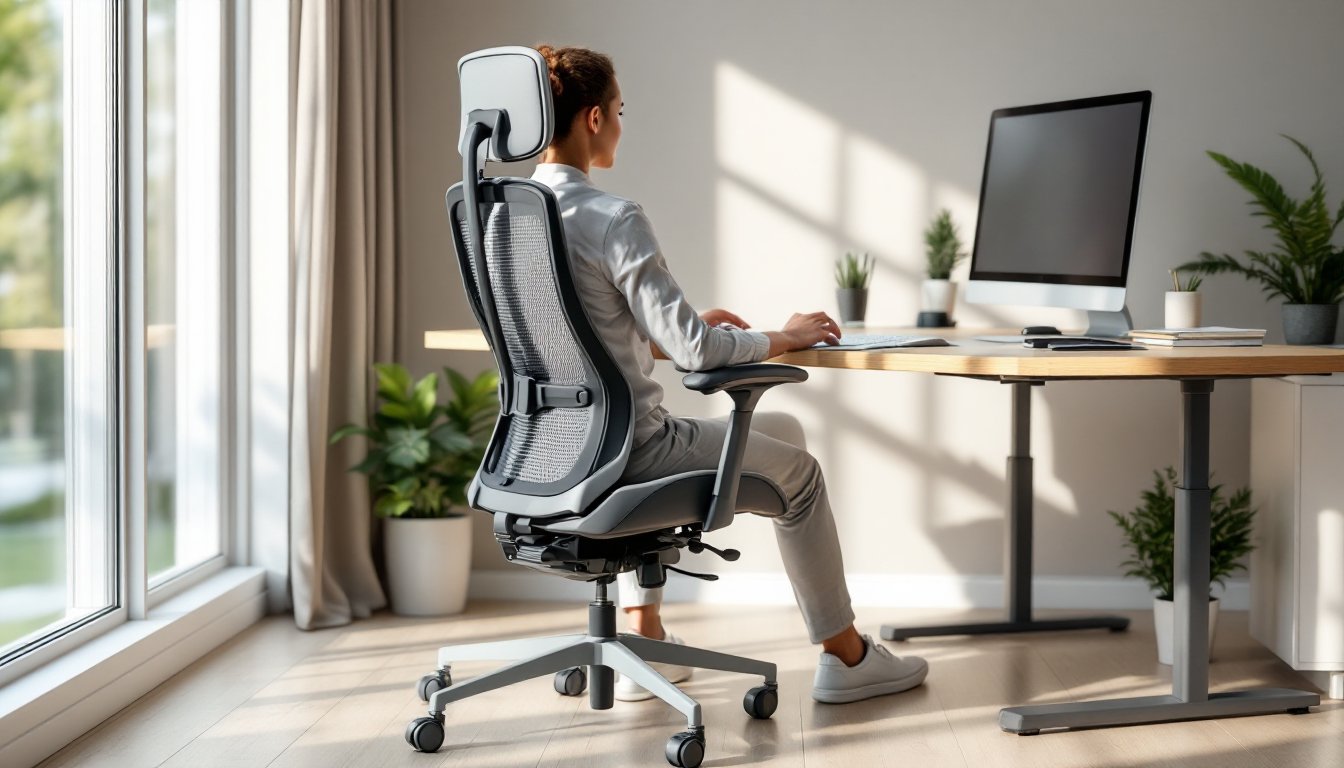
Spending eight or more hours in an office chair takes a toll on your body if you’re sitting in the wrong one. A subpar chair can lead to lower back pain, neck strain, and poor posture, issues that compound over weeks and months. The good news: an all day office chair designed with proper support, adjustability, and ergonomic features can transform your home office experience. Whether you’re building out a new workspace or replacing a worn-out seat, knowing what to look for in a quality office chair is the first step toward healthier, more productive work days.
Table of Contents
ToggleKey Takeaways
- An all day office chair with proper lumbar support, spinal alignment, and adjustable features is essential for preventing back pain, neck strain, and poor posture during extended work sessions.
- Ergonomic chairs that distribute weight evenly and adapt to your body through adjustable seat height, armrest height, and recline settings improve focus, reduce fatigue, and boost overall productivity.
- Mid-range office chairs ($500–$1,000) deliver core ergonomic benefits without premium markups, making quality seating accessible; prioritize lumbar support and breathable materials over expensive features.
- Test an all day office chair in person for 15–20 minutes before purchasing, ensuring proper lumbar support, appropriate armrest placement, and no pressure points during sustained use.
- Regular maintenance—including weekly mesh cleaning, monthly bolt tightening, and timely replacement of worn casters—extends your chair’s lifespan to five to seven years while preserving comfort and stability.
Why Comfort Matters When You Work From Home All Day
Your chair isn’t just furniture, it’s your daily support system. When you work from home, you’re typically sitting in the same spot for extended periods without the natural movement and posture shifts that happen when commuting or changing environments. Poor seating leads to fatigue, reduced focus, and long-term musculoskeletal problems. A well-designed all day office chair minimizes these risks by distributing your weight evenly, supporting your spine’s natural curves, and reducing pressure on your hips and tailbone.
Investing in the right chair pays dividends in energy, focus, and comfort. Workers who sit in ergonomic chairs report fewer back and neck complaints, better concentration, and improved mood throughout the day. The key is choosing a chair built for sustained use, not just style.
Key Features That Define An All Day Office Chair
Lumbar Support and Spinal Alignment
Lumbar support is non-negotiable for an all day office chair. The lumbar region, your lower back, bears significant load when sitting and needs targeted support to maintain the spine’s natural inward curve, called lordosis. Chairs with adjustable lumbar support let you dial in the right curve for your unique spinal shape: fixed lumbar support works if it matches your lower back contours.
Look for chairs with mid-to-high backrest designs that extend support up through your thoracic spine (upper and mid-back). A tall backrest also supports your head and neck, reducing strain during screen time. Many all day chairs include a headrest or neck pillow, which prevents forward head posture, a common cause of neck and shoulder pain.
Ergonomic Design and Adjustability Options
A truly ergonomic chair adapts to your body, not the other way around. Essential adjustments include seat height, backrest recline, armrest height and width, and seat depth. Seat height should allow your feet to rest flat on the floor (or footrest) with your knees at a 90-degree angle. Armrests should sit at elbow height when your arms are relaxed at your sides, preventing shoulder hunching.
Many premium all day office chairs offer tension adjustment and tilt lock, which control how far back the chair reclines and how much resistance it provides. This lets you customize the chair’s responsiveness to your preference. Also, look for breathable materials, mesh backing and padded seats with ventilation prevent heat buildup during long sits, keeping you comfortable even on warm days. Wheels (casters) should roll smoothly on your flooring type, and a wide base ensures stability.
How to Choose the Right Chair for Your Home Office Setup
Start by assessing your workspace and body. Measure your desk height and floor-to-eye distance when sitting, your monitor should sit at or slightly below eye level to prevent neck strain. If you’re short, you might need a chair with a lower minimum seat height: if you’re tall, prioritize a chair with a higher maximum height and taller backrest.
Test chairs in person before buying if possible. Sit for at least 15–20 minutes to evaluate comfort during sustained use. Pay attention to how the lumbar support feels, whether armrests feel crowded or too far apart, and if pressure points develop on your thighs or tailbone. Many retailers and manufacturers (including those reviewed on CNET’s office chair roundup) offer trial periods or return windows, use them.
Consider your aesthetic preferences and office décor too. A chair that clashes with your space or feels cold and industrial might discourage you from maintaining good posture. Modern design inspiration often highlights chairs that blend comfort with visual appeal: Design Milk and Houzz feature contemporary office furniture that proves ergonomic chairs don’t have to look clinical.
Budget-Friendly All Day Office Chair Options
You don’t need to spend $1,500 on a Herman Miller to get a solid all day office chair. Mid-range chairs ($500–$1,000) often deliver the core ergonomic features, adjustable lumbar support, recline, and armrests, without premium brand markups. Brands like Steelcase, HON, and Autonomous offer reliable options in this range with strong warranties and return policies.
For tighter budgets, budget chairs ($200–$500) can work if you’re selective. Prioritize lumbar support, seat padding, and mesh backing over fancy features like advanced tilt mechanisms. Avoid the cheapest models (under $150): they typically lack adequate padding, have weak casters, or unstable bases. Spending $300–$400 on a chair with solid fundamentals beats replacing a $100 chair every two years. Check reviews from verified purchasers focused on long-term comfort, not just initial aesthetics. Some retailers publish detailed return data showing which budget chairs hold up over time, these are worth consulting before you buy.
Maintenance and Durability Tips for Long-Term Use
Proper care extends your chair’s lifespan and keeps it comfortable. Vacuum or wipe down mesh and fabric weekly to prevent dust and debris from clogging the weave, which reduces breathability. For spills, blot immediately with a damp cloth: don’t rub or use harsh chemicals, which can damage upholstery.
Check and tighten bolts and screws monthly, especially around the base and backrest attachment points. Loose fasteners can lead to wobbling and unsafe conditions. If your chair has a pneumatic cylinder (the mechanism that controls seat height), avoid repeatedly bottoming it out or slamming it down, smooth, controlled adjustments extend its life.
Rotate the chair periodically and don’t lean heavily on armrests while getting in and out, which stresses the joints. Replace worn casters if they squeak or drag instead of rolling smoothly, new casters cost $20–$40 and prevent damage to flooring. If lumbar support cushions flatten over time, many manufacturers sell replacement kits for $50–$100, which is far cheaper than buying a new chair. Store the chair in a climate-controlled space if you’re not using it for extended periods: extreme heat or cold can degrade upholstery and pneumatic components. With basic upkeep, a quality mid-range all day office chair should perform well for five to seven years.