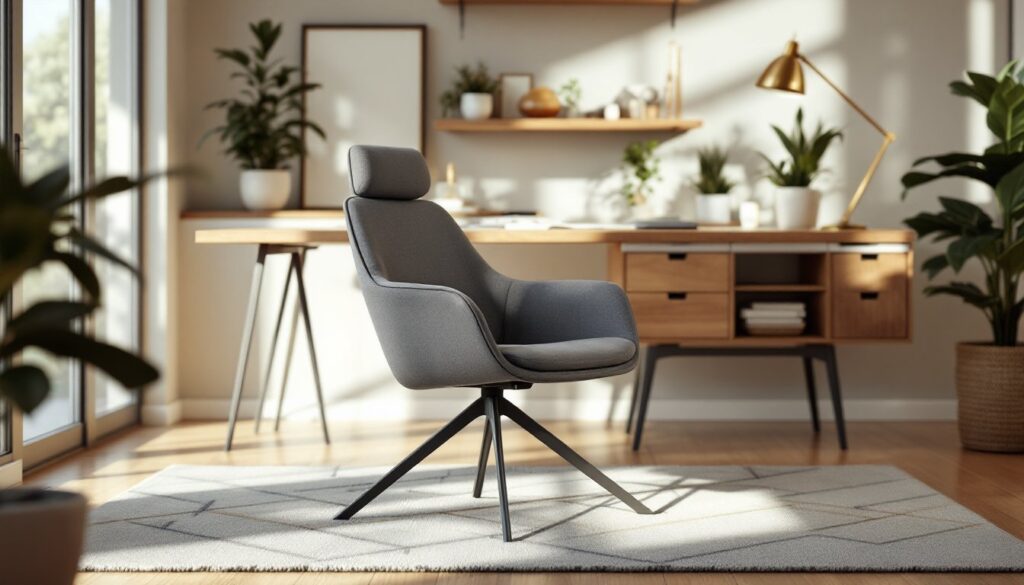
Working from home has become the norm for millions, but spending eight hours a day in an uncomfortable chair can wreak havoc on your back, neck, and overall productivity. Finding an ergonomic office chair doesn’t mean very costly, quality options exist well under $300. The best ergonomic office chairs in this price range combine adjustable lumbar support, breathable materials, and thoughtful design without premium markups. This guide walks you through what matters most in an office chair, which features deliver real comfort, and how to pick the right one for your workspace and body type.
Table of Contents
ToggleKey Takeaways
- Quality ergonomic office chairs under $300 provide adjustable lumbar support, breathable mesh, and solid construction that deliver real comfort without premium pricing.
- Proper ergonomics—including spine alignment, neutral arm positioning, and flat feet—reduce muscle strain, prevent chronic pain, and actually improve focus and productivity.
- Prioritize adjustable features like seat height, backrest recline, armrest height, and tilt tension control to ensure the chair fits your body and work habits.
- Choose mesh backing over solid vinyl for better ventilation, verify weight capacity and dimensions match your body type, and always test the chair for at least 15–20 minutes before committing.
- Check caster quality, foam density, and gas cylinder warranty as indicators of durability; a five-point base and reinforced construction ensure stability and longevity beyond 3–5 years.
Why Ergonomics Matter for Your Home Office
Poor posture compounds over time. Sitting in an unsupportive chair for hours gradually stresses your spine, shoulders, and wrists, leading to chronic pain that lingers long after you clock out. Proper ergonomics isn’t about luxury, it’s about preventing injury and maintaining focus throughout your workday.
An ergonomic office chair does several things at once: it keeps your spine aligned, positions your arms at a neutral angle relative to your desk, and maintains your feet flat on the floor or footrest. This alignment reduces muscle strain, minimizes pressure on your lower back, and actually improves circulation. When your body isn’t fighting discomfort, your brain stays sharper.
Building codes and workplace safety standards like those from the Occupational Safety and Health Administration (OSHA) emphasize proper seating to reduce repetitive strain injuries. Even at home, these principles apply. The best ergonomic office chairs under $300 deliver on these fundamentals without forcing you to choose between comfort and budget. Reviews and real-world testing show that mid-range options often outperform expensive designer chairs in terms of actual user satisfaction and pain reduction.
Key Features to Look For in an Ergonomic Office Chair
Adjustability and Support
Adjustability is non-negotiable. A chair that locks you into one position will never fit your body perfectly, and your comfort needs shift throughout the day. Look for seat height adjustment (standard on most models via gas cylinder), backrest recline, and ideally lumbar support adjustment so you can dial in support for your lower back curve.
Armrest height matters more than people realize, if armrests are too high or too low, your shoulders tense up and your posture suffers. The best ergonomic office chairs under $300 include adjustable or removable armrests, or none at all if you prefer freedom of movement. Tilt tension control lets you lock the chair at your preferred recline angle without it suddenly snapping back.
Seat depth and width should accommodate your frame without forcing you to perch on the edge or feel squeezed. Standard office chairs accommodate most body types, but taller or broader users may need to size up or seek chairs with extended dimensions. Testing a chair in person, when possible, beats guessing, your home office store or big-box retailer usually lets you sit and adjust to get a feel for the mechanics.
Materials and Durability
Mesh backing breathes better than solid vinyl during long sessions and is easier to clean. Mesh naturally ventilates, preventing that hot, sticky feeling that builds up in cheaper foam-only designs. Budget-conscious mesh chairs at this price point deliver similar cooling performance to pricier models, though the mesh weave varies in sturdiness.
The base and casters carry underrated importance. A five-point base (five-leg design) is more stable than four-point. Casters should roll smoothly on hardwood and carpet alike, cheaper wheels stick or squeak. Higher-end budget chairs use nylon or polyurethane casters: lower-end models may have plastic wheels that wear flat or crack within a year.
Foam density in the seat cushion affects longevity. Dense, high-resilience foam (HR foam) holds its shape longer than cheap, low-density padding that compresses and never rebounds. For under $300, expect mid-range foam that’ll stay comfortable for 3–5 years with normal use. Gas cylinders vary in quality, check if the manufacturer offers a warranty on the cylinder (hint: they usually do, which indicates confidence).
Recent reviews of budget office chairs consistently praise chairs that pair adjustable backs with breathable mesh and reinforced bases, a combination you’ll find repeatedly in the sub-$300 market.
How to Choose the Right Chair for Your Needs
Start by honestly assessing your body type and any existing discomfort. If you’re tall, prioritize seat height range and backrest length. If you carry extra weight, seek chairs rated for higher weight limits (some budget models cap out at 200 lbs: others handle 300+ lbs). If you have a bad lower back, lumbar support becomes your highest priority, don’t skimp here.
Consider your desk setup. An armrest that clears your desk edge at your preferred height is essential: an armrest that hits the desk forces you to hunch. Measure your desk height and compare it to the chair’s specifications before buying online. Many retailers allow returns if a chair doesn’t fit your space, so use that window to validate comfort during actual work.
Test-drive before committing if you can. Big-box stores let you sit in display models. Online retailers often offer 30-day return windows, use them. Spending $250–$300 deserves more thought than a five-minute virtual checkout. Sit in the chair for at least 15–20 minutes to feel how your back settles and whether armrests pinch your elbows.
Check weight capacity, seat depth, and backrest height against your measurements. Chairs are not one-size-fits-all, and a poor fit becomes obvious after day two. Tech-focused guides at CNET and other review outlets test chairs across real-world scenarios, breaking down how specific models perform for different body types and work styles.
Don’t overlook assembly. Some budget chairs arrive fully assembled: others require 20–30 minutes and an Allen wrench. If you’re not comfortable with basic assembly (attaching gas cylinder, screwing on armrests, anchoring the base), confirm the store offers white-glove delivery or hire a handyperson for $30–$50.
Conclusion
An ergonomic office chair under $300 isn’t a compromise, it’s a smart investment in your health and productivity. Prioritize adjustability, breathable materials, and solid construction over brand prestige. Test before buying, verify dimensions against your space, and honor your comfort needs. The best chair for your home office is one you’ll actually sit in properly, day after day.